Buying Guides
How to Place Temperature Data Loggers in Reefer Containers for Banana Exports
One logger at the door, one in the middle of the load — why two positions tell an importer what a single reading cannot, and how to place both.
When a shipment of green bananas from South America arrives, the cartons near the doors may look fine. Halfway through unloading, the importer finds that some bananas have already started to turn yellow. The only temperature record comes from a logger placed near the doors.
How can a single reading location tell you what happened throughout the container?
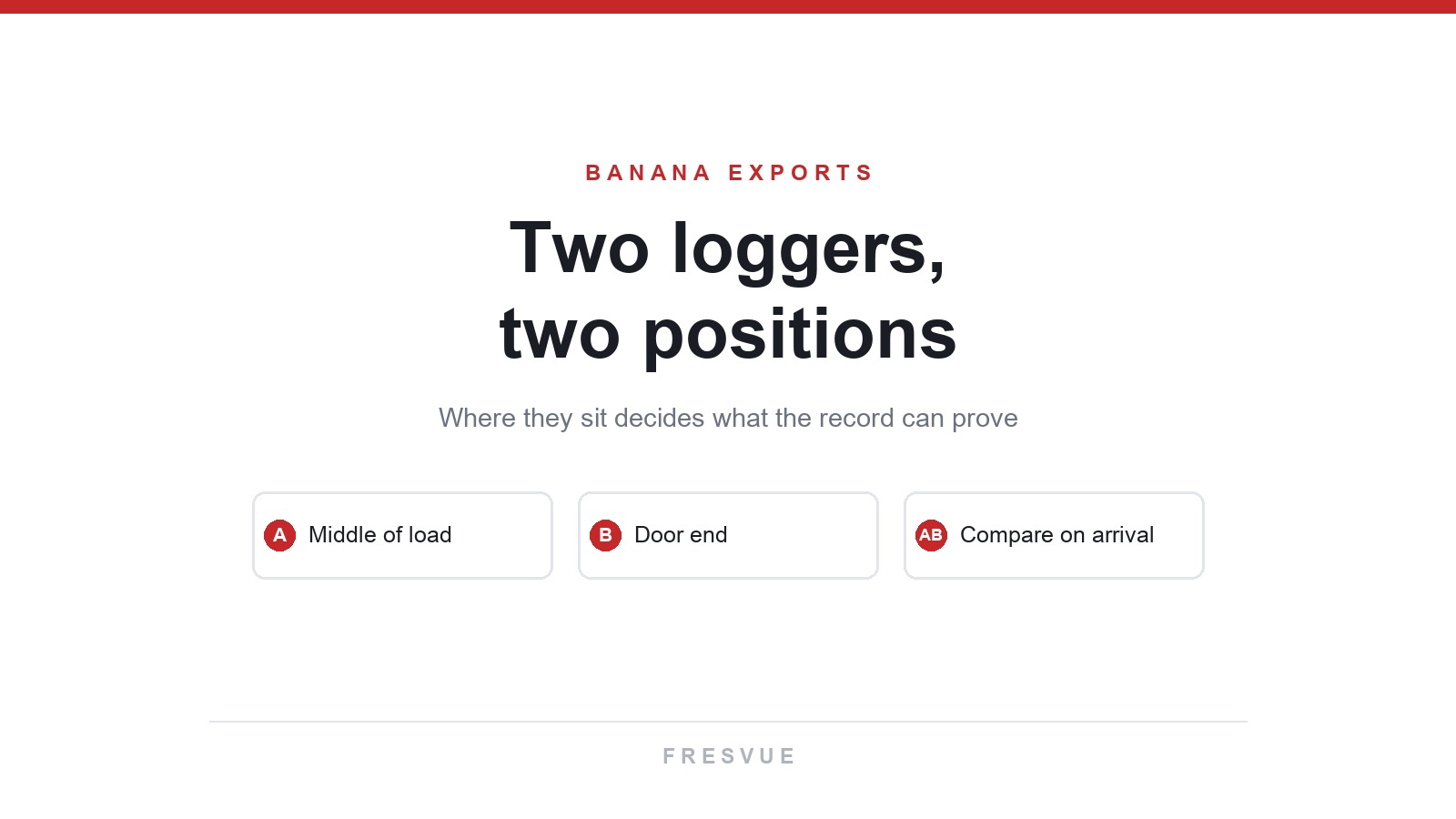
A logger records the temperature at its own location. For importers who want to compare conditions in different parts of the load, we recommend placing one logger in the middle of the load and one near the container doors. At receiving, the buyer can compare the two temperature profiles with the inspection findings from each area. Agree on the exact carton locations before loading based on the buyer’s receiving requirements.
Where should the two loggers go?
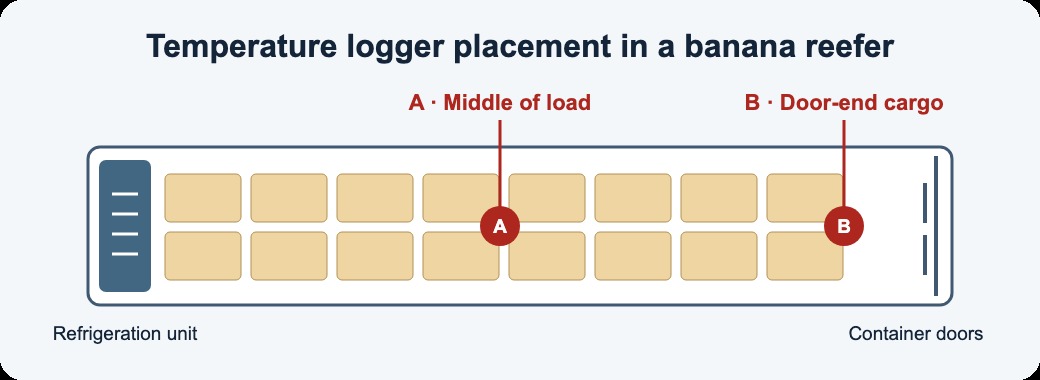
Point A · Middle of the load
As loading reaches the middle of the container, secure the first logger to a selected carton within the load so the sensing area is exposed to the air between cartons. This point shows whether air temperature in the middle rose for an extended period and whether it changed at the same time as the door-end reading.
Point B · Door end of the container
Secure the second logger to a selected carton near the doors where the receiving team can find it during unloading. This point tracks the air temperature around the door-end cargo. If the reading shows a brief rise, compare the timing with the door-opening and unloading records.
Keep both loggers away from the metal walls, doors and direct supply airflow. Keep cargo ventilation paths clear. These placements measure local air temperature. If the receiving inspection calls for banana pulp temperatures, take separate pulp measurements from sampled fruit. University of Florida IFAS guide to transporting perishables
How can the loading team make the loggers easy to find?
Activate both loggers according to the device instructions. Use the same sampling interval and check that the logging period covers the expected voyage and any waiting time at destination.
Label the two locations. Use A for the middle of the load and B for the door end. Mark each carton carrying a logger with a visible “Temperature Data Logger” label.
Share the locations with the receiving team. Include the container number, logger serial numbers, pallet and carton positions, start time and time zone in the loading record. Add photos so the receiving team can retrieve both devices during unloading.
Recommended logger for banana shipments
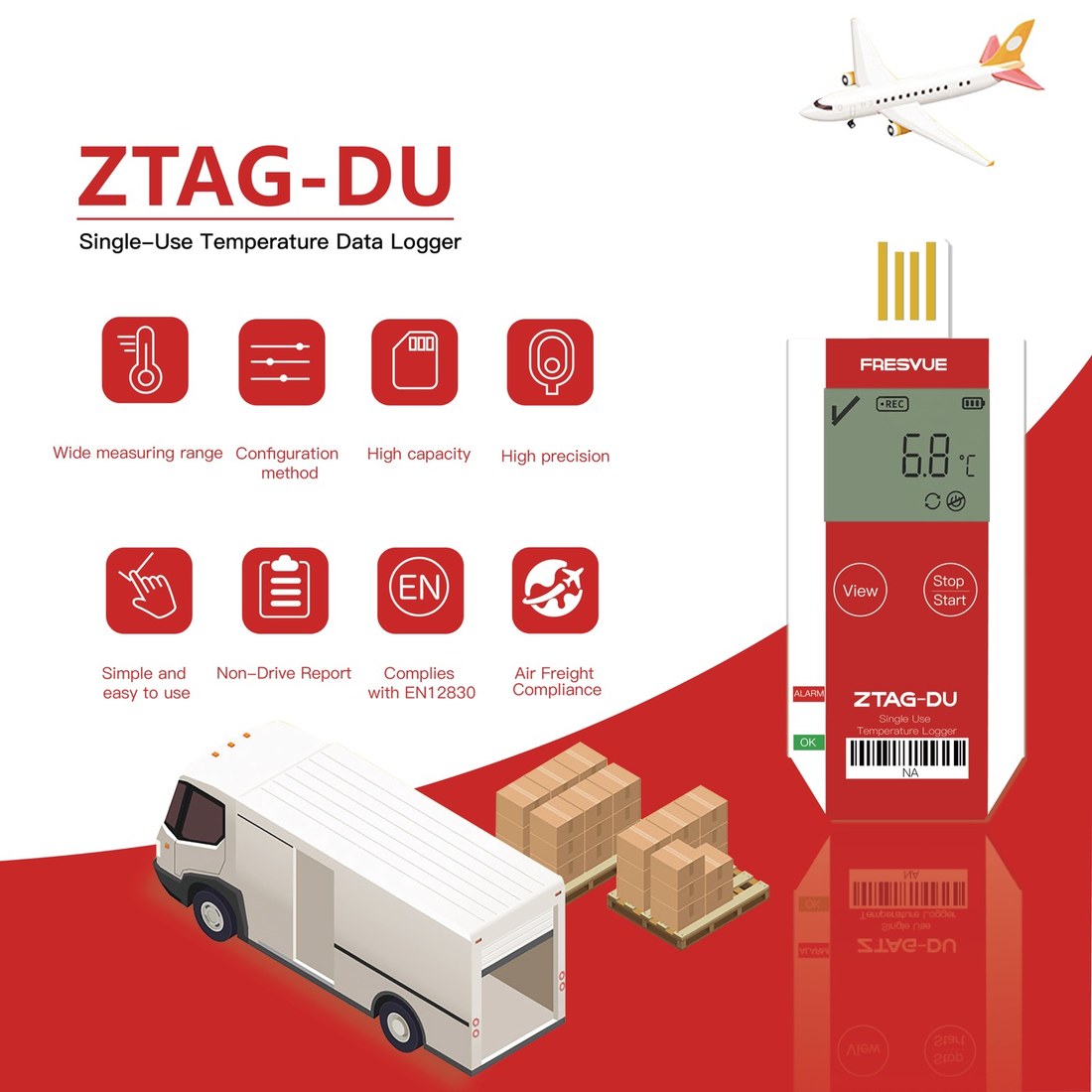
The FRESVUE ZTAG-DU Single-Use USB Temperature Data Logger is recommended for shipments where temperature is recorded in transit and reviewed on arrival. Use two units per container for this setup, one at each monitoring point. The logger has an LCD display. After retrieving it, the receiving team can connect it to a computer via USB to view the PDF temperature report.
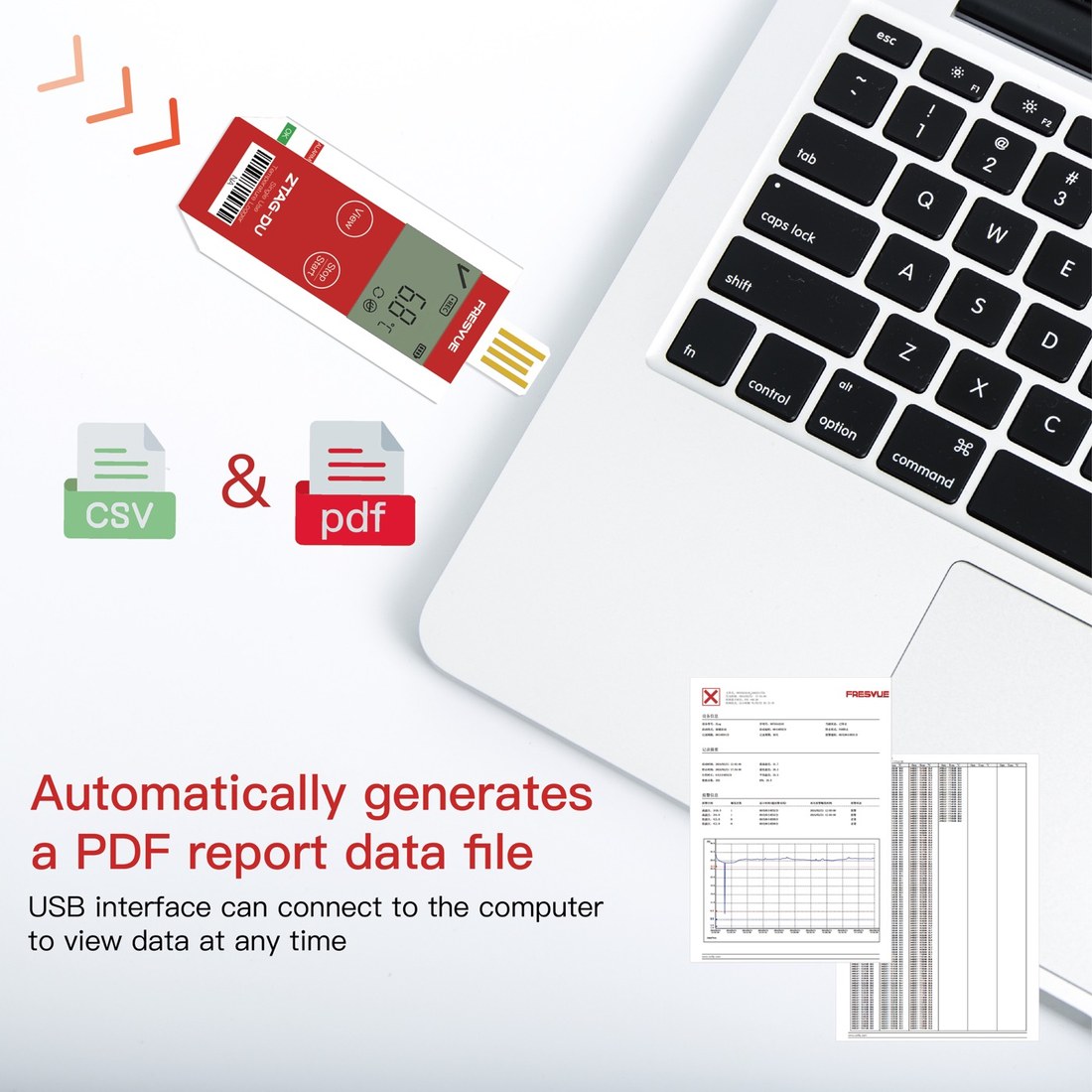
At receiving, align the timestamps in both records and check where each temperature change appeared and how long it lasted. If the door-end reading rose briefly when the doors opened, check the unloading record. If the middle of the load warmed for an extended period before opening, prioritize sampling cartons in that area and review the fruit condition, pulp temperature and reefer operating records together.
Planning a banana shipment from South America? Contact us to discuss how to use ZTAG-DU loggers in your loading and receiving process.