Buying Guides
How to Store and Maintain a Data Logger (So It Works When It Matters)
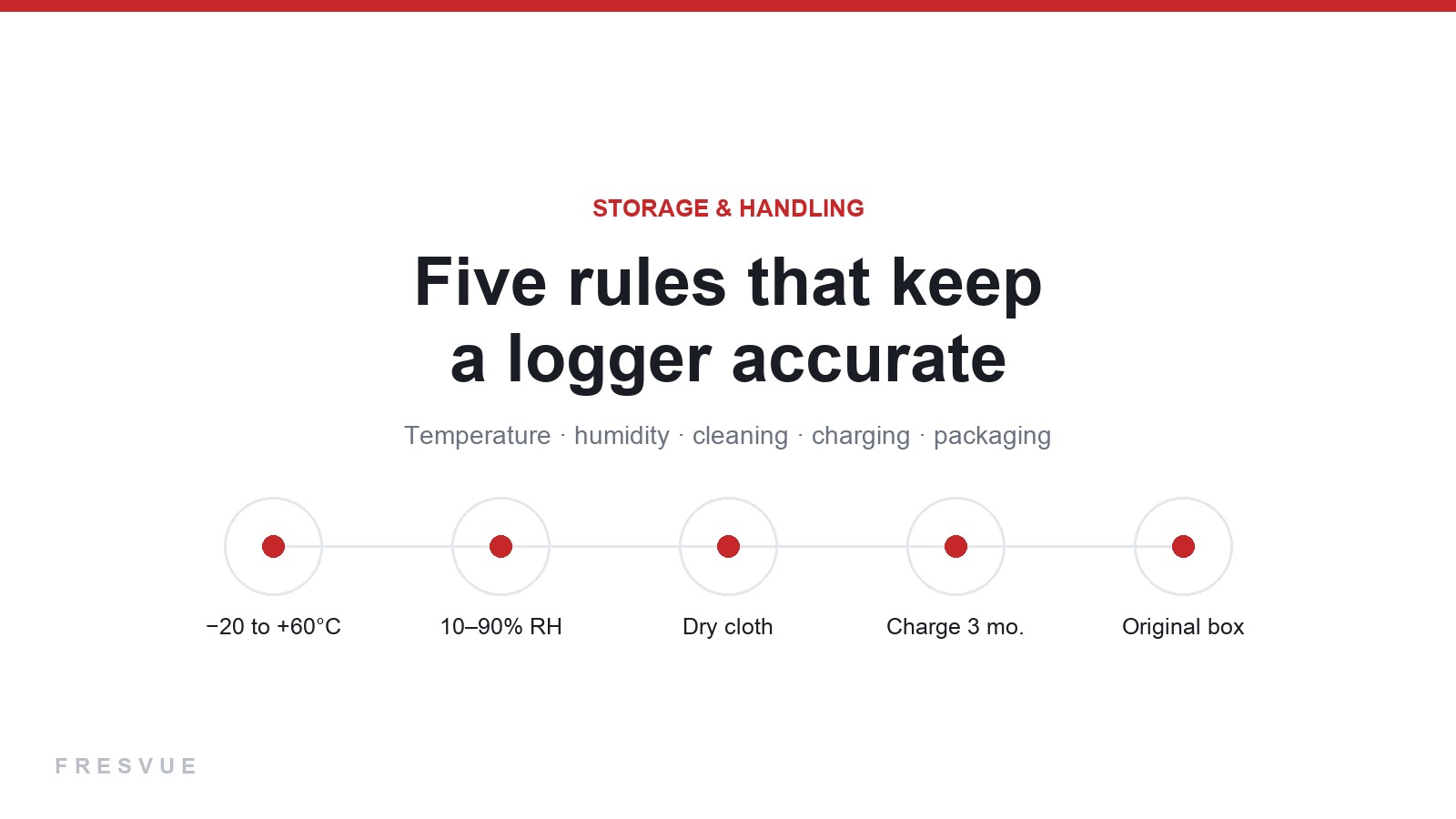
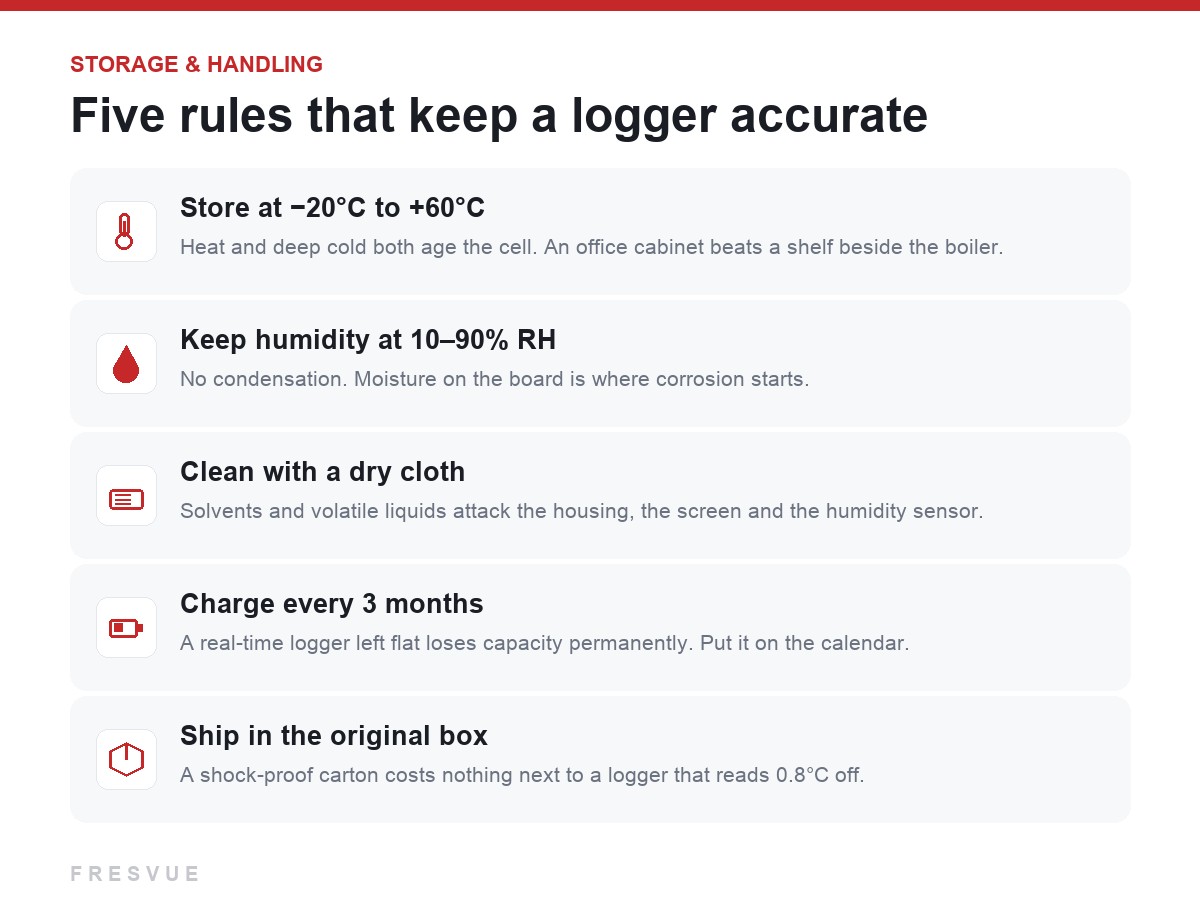
Five rules that keep a logger accurate: storage temperature, humidity, dry-cloth cleaning, charging every 3 months, and when a USB logger should be scrapped.
A logger spends most of its life in a drawer, not in a container. That is exactly when it can quietly go wrong: a cell left flat for a year, a unit stored next to a heater, a screen cleaned with solvent until the humidity sensor stops telling the truth. None of these failures show up until a shipment depends on the device.
None of this takes effort. It takes five habits.
Where to keep it
Store loggers between -20°C and +60°C. That range is wider than most people assume, and it is tempting to leave a carton in a warehouse corner — but heat accelerates battery ageing permanently, and repeated temperature swings are worse than a steady, moderate environment. A cupboard in the office is a better home than a shelf beside a boiler or a windowsill in summer.
Keep humidity between 10% and 90% RH, with no condensation. Moisture sitting on the board is where corrosion begins, and a logger that has been damp for months may still power on while drifting on every reading.
How to clean it
A soft, dry cloth is all you need. Chemical solvents, alcohol sprays and volatile liquids can cloud the screen, craze the plastic, and — most damaging of all — contaminate the humidity sensor. Unlike a scratched housing, a contaminated RH sensor gives no visible warning: the readings simply become slightly wrong, and you find out later, in a rejected batch.
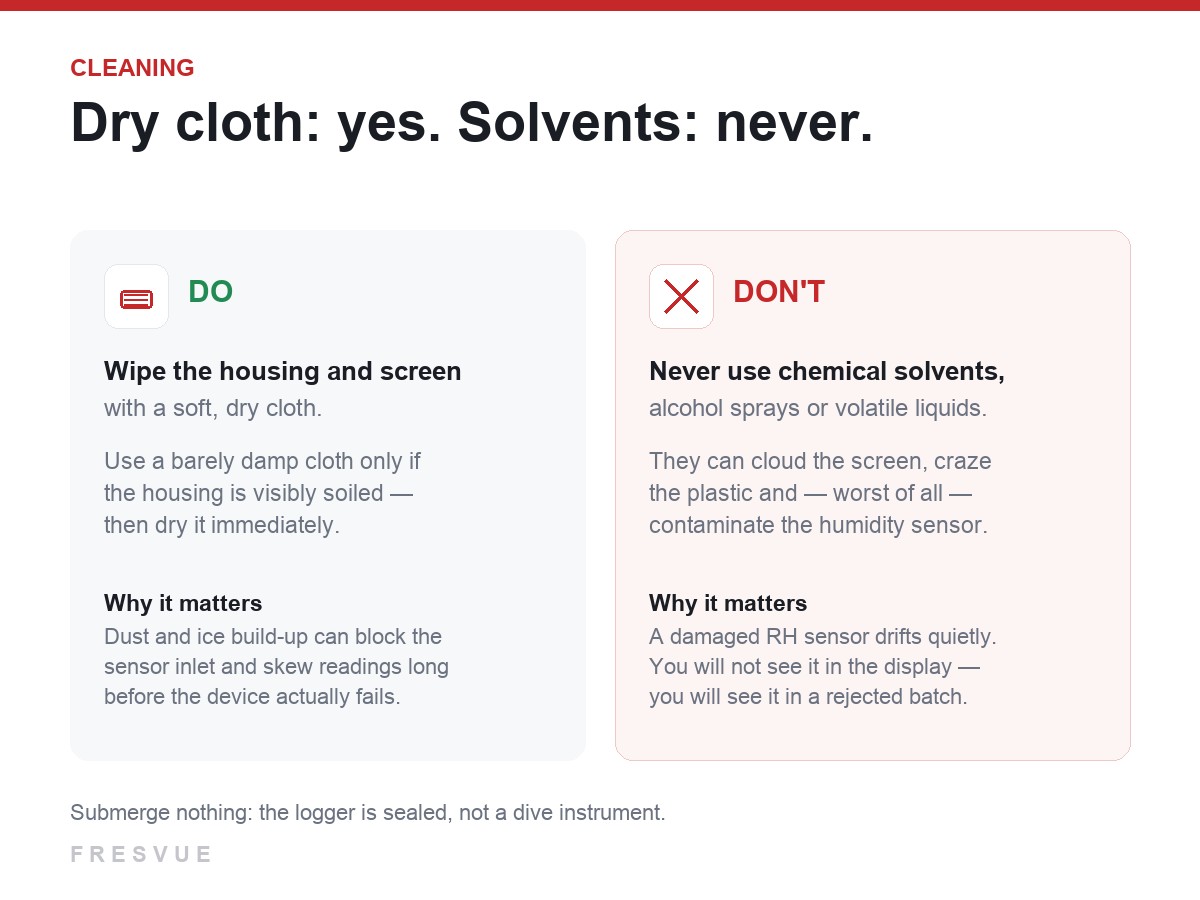
If the housing is genuinely soiled, a barely damp cloth is acceptable, but dry the unit immediately afterwards. And do not submerge it: IP67 means sealed against dust and water jets, not a dive instrument.
The battery rules most people skip
Two device types, two different rules — and mixing them up is how people end up with a logger that dies on day three of a voyage.
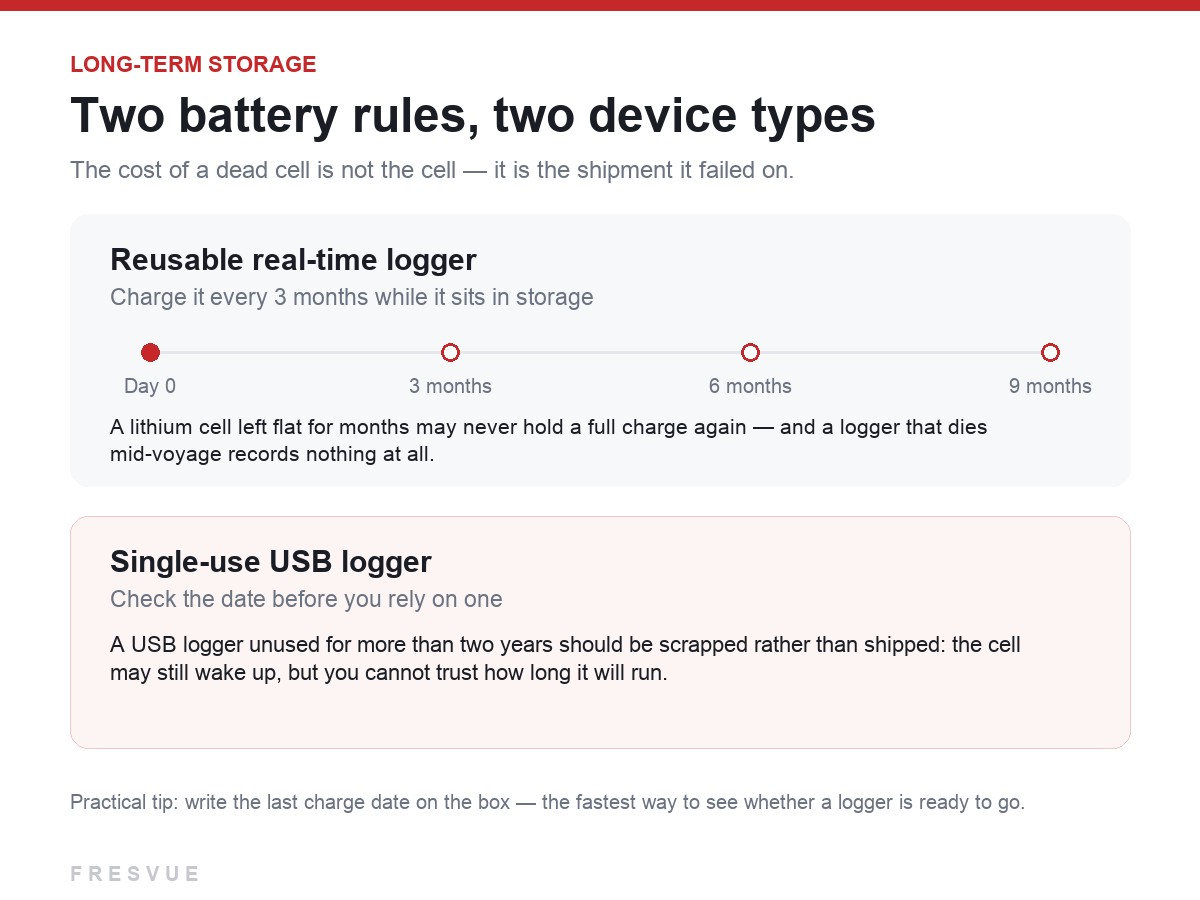
Reusable real-time loggers: charge every three months while in storage. A lithium cell kept at low voltage for months can lose capacity permanently, and may never accept a full charge again.
Single-use USB loggers: if a unit has sat unused for more than two years, scrap it rather than ship it. It may still start, but you cannot predict how long it will run — and a logger that stops mid-journey is worse than no logger at all, because it looks like nothing went wrong.
Transport and handling
Keep loggers in their original packaging or a shock-proof case when moving them between sites. The failure mode here is boring and expensive: a drop that leaves the case intact while shifting the calibration just enough to make every subsequent reading slightly wrong.
One practice worth adopting: write the last charge date on the box. It takes five seconds and answers the only question that matters when you are packing at seven in the morning — is this device actually ready to go?
The point of all this
Cold chain monitoring works because the record is independent and unbroken. That promise depends on the device being healthy before it ever leaves the shelf. Five minutes of storage discipline is what keeps a logger trustworthy for years — and what keeps you from discovering a problem through a customer complaint instead of a calibration check.
Not sure whether your existing loggers are still within spec? Tell us the model and how long they have been in storage — we will tell you what to check first.