Buying Guides
Why Can Air Around the Cargo Be Too Warm When the Reefer Setpoint Is Correct?
The setpoint can be correct while the air around the cargo is not. Setpoint, air and product temperature are three different numbers — what to check after an excursion, and how the ZLOG-20GTH-LI suppo
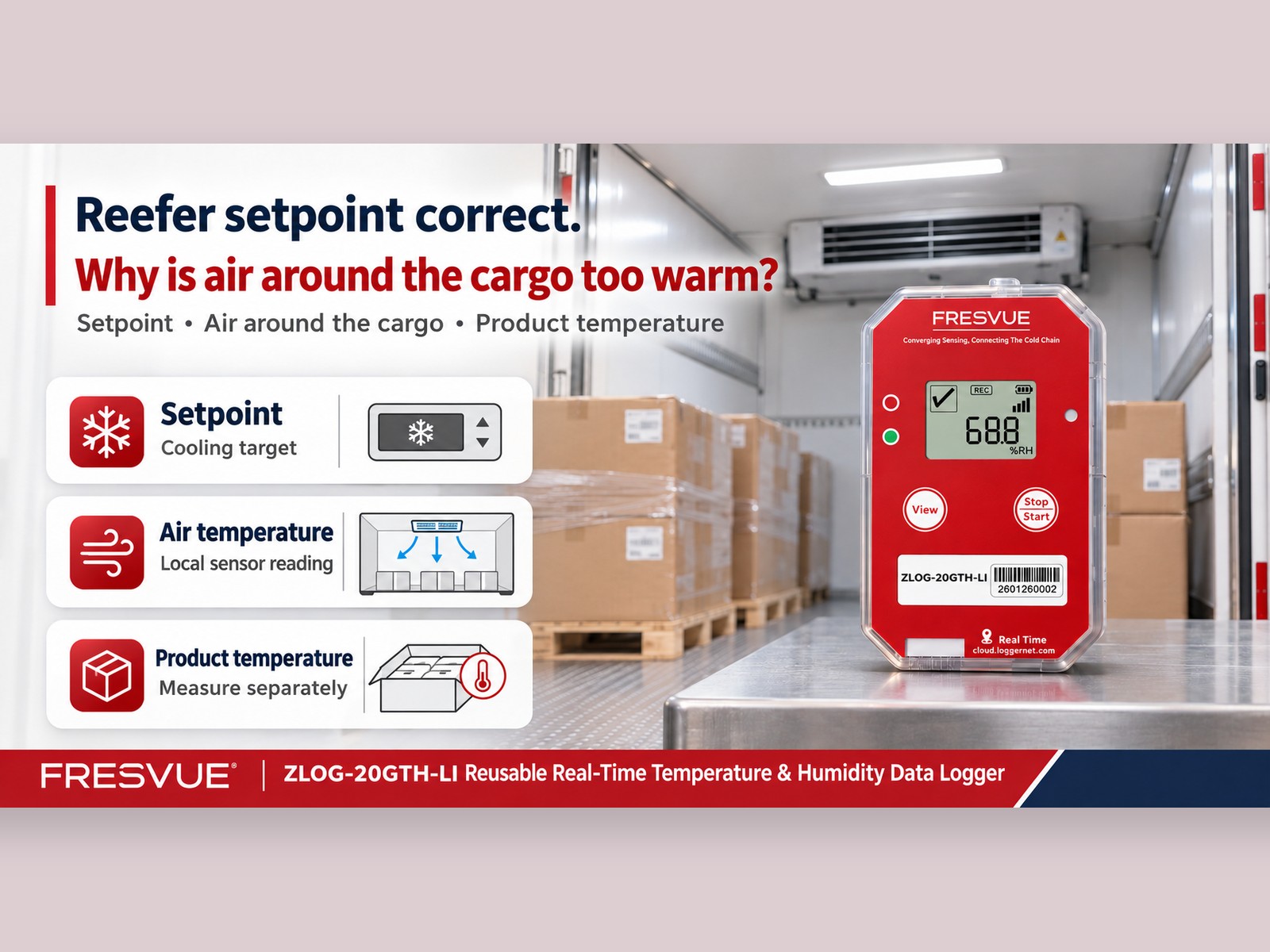
The dispatcher confirms that the refrigeration unit is set correctly. Yet the receiving team finds temperature excursions in a logger placed near the cargo. Where does the difference come from?
Understand the Three Temperatures
The setpoint is the refrigeration unit’s control target. Air temperature around the cargo is the actual temperature at a particular sensor location, which can change with airflow, loading position and handling activities.
Product temperature is also influenced by its temperature before loading, packaging and thermal mass. It usually responds more slowly than the surrounding air and needs to be measured separately. These distinctions are explained in the UF/IFAS guide, Protecting Perishable Foods During Transport by Truck or Rail.
What Should You Check After an Air Temperature Excursion?
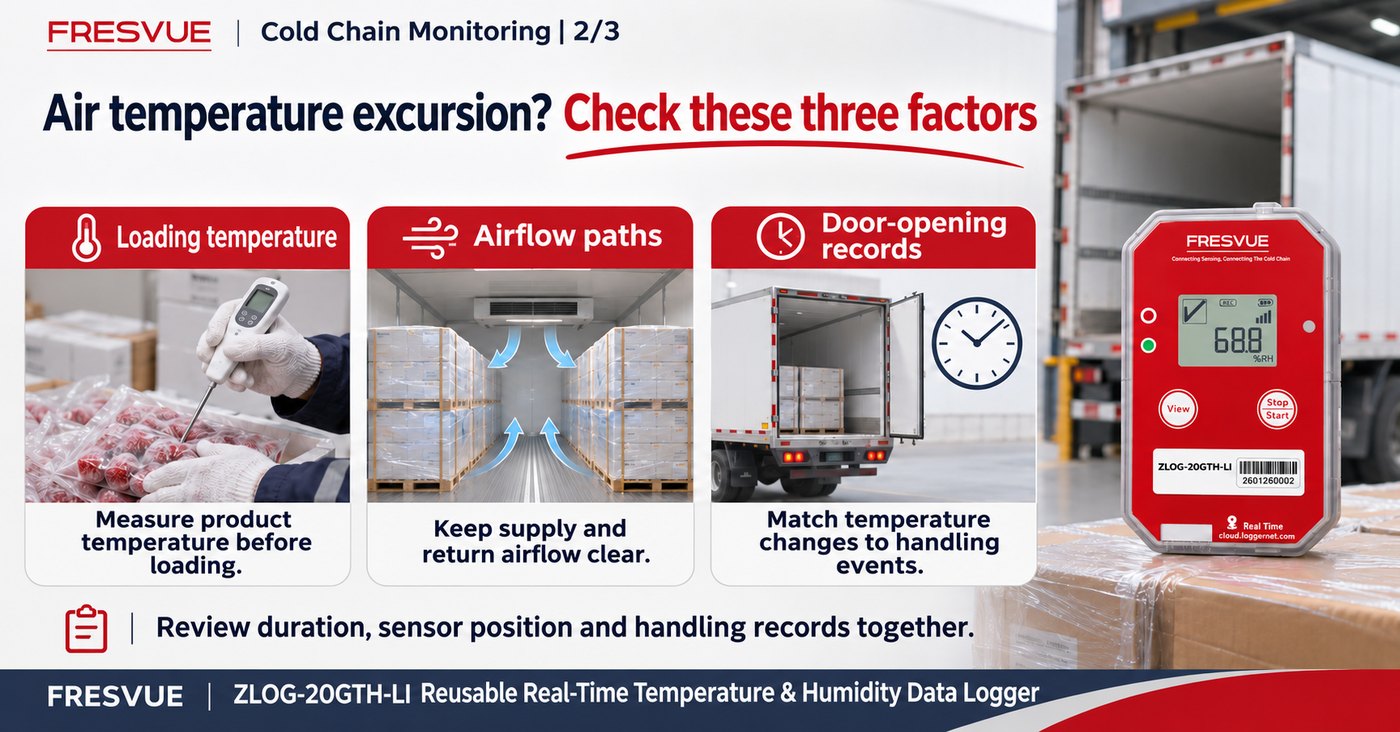
First, confirm whether the goods were at the required temperature before loading. Then check whether the load obstructed supply or return airflow, and compare the excursion with door-opening records.
Review the duration, sensor position and handling records together. At receiving, measure product temperatures according to the agreed inspection procedure to assess the cargo’s actual condition.
Monitor Repeated Routes with Consistent Placement
The FRESVUE ZLOG-20GTH-LI Reusable Real-Time Temperature & Humidity Data Logger can be deployed near the cargo. Where mobile connectivity is available, it uploads data to the cloud and sends threshold alerts by email or app.
Use the same placement plan for each trip and record logger IDs and cargo positions. After the vehicle returns, check battery level, settings and device condition before redeployment.
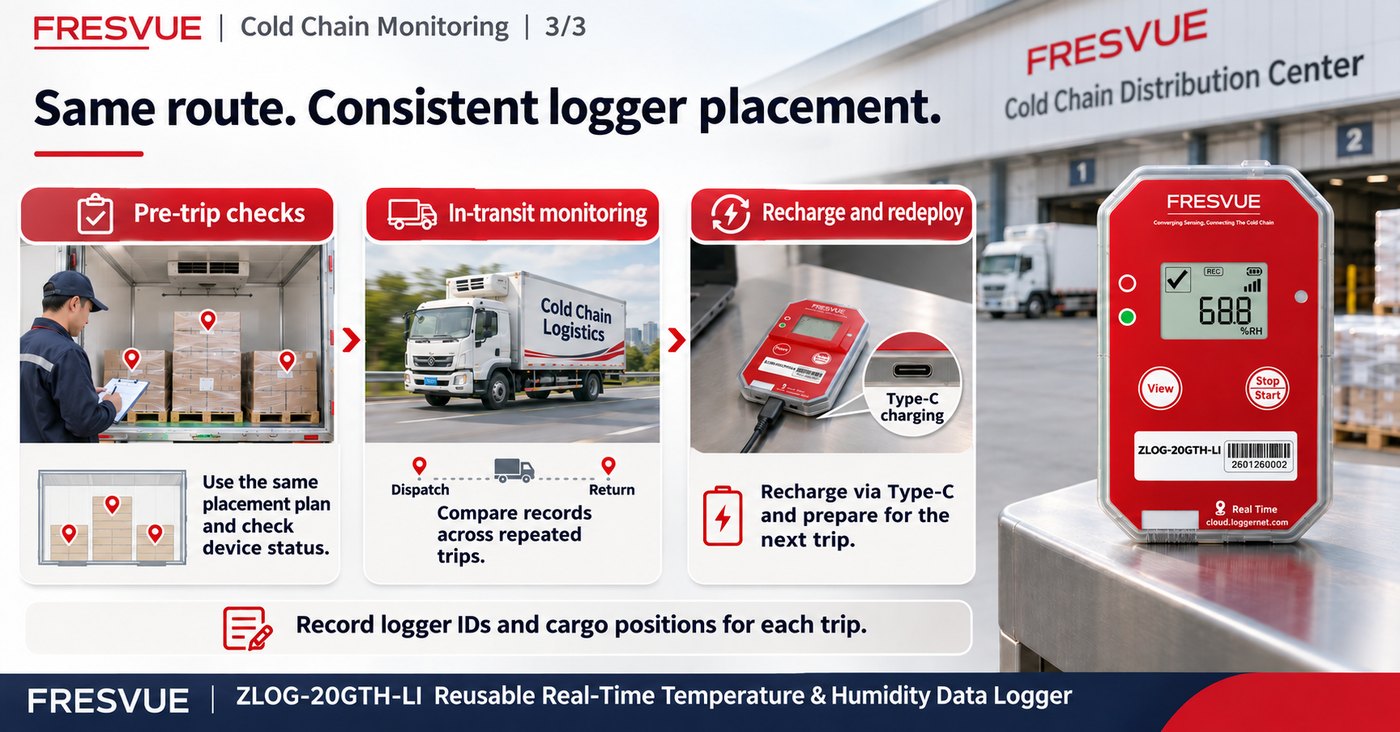
Comparing records across trips helps teams investigate recurring temperature changes and check whether they coincide with particular delivery stops or loading arrangements.