Buying Guides
South American Fruit Shipments: Why Wait Until Arrival to Discover Temperature Excursions?
Temperature alerts before arrival beat surprises at unloading — how the ZTAG-20GTH-LI reports fruit shipment conditions in real time, records offline at sea and uploads automatically on reconnect.
A shipment of fresh fruit arrives from South America. During inspection, the importer finds softer fruit in several cartons. The team must adjust sales plans while checking what happened during transport.
If a temperature alert reaches the team before arrival, what should they check first?
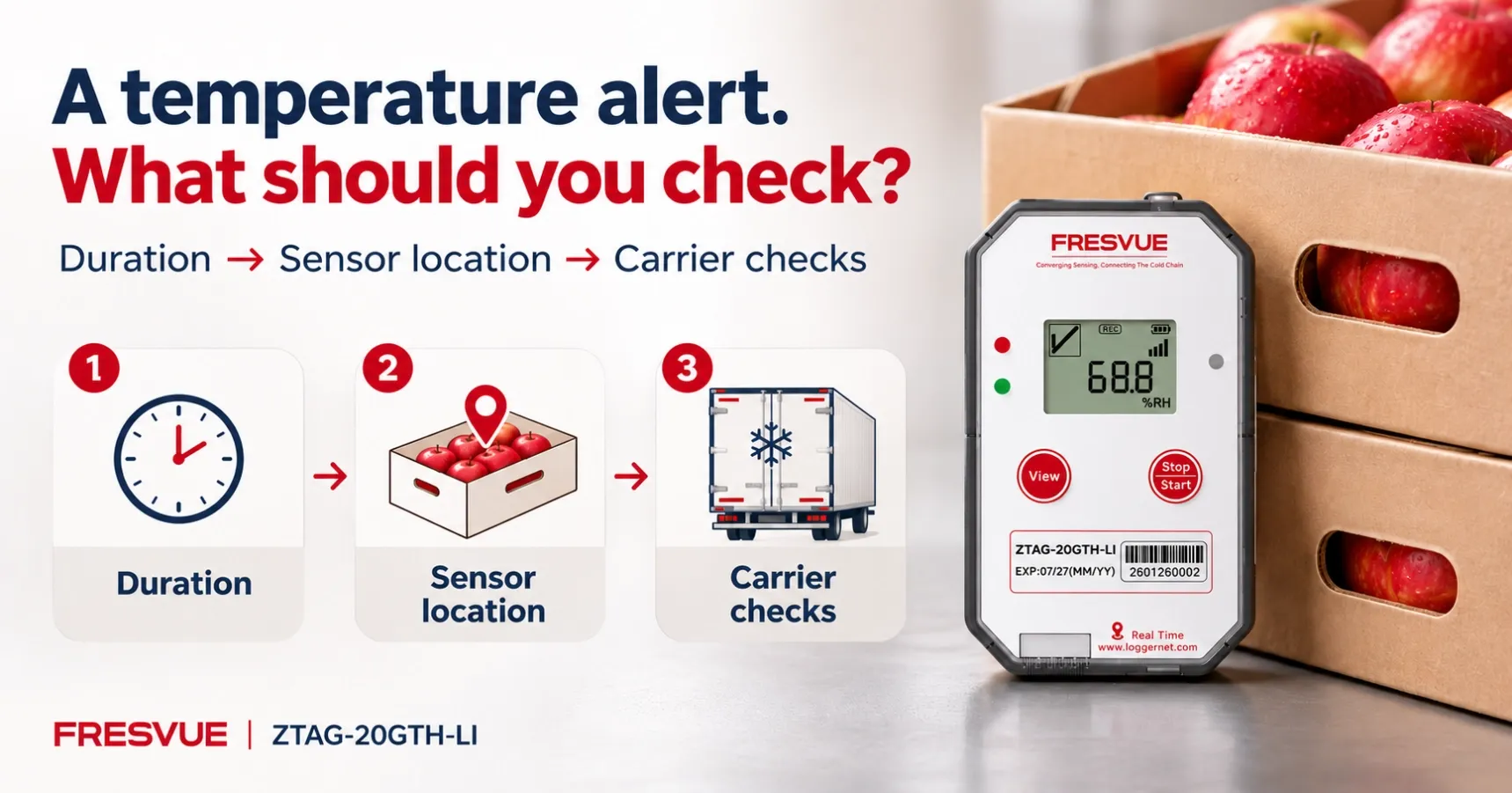
Check the Duration and Sensor Location
First, identify when the temperature moved outside the agreed range for that fruit shipment and how long it remained there. Then confirm where the logger was placed.
A brief rise near the container doors may coincide with loading or a handover. Compare the timestamps with handling records. If a logger in the middle of the load shows a sustained excursion, ask the carrier to check the reefer’s operating records. Flag those cartons for closer inspection at arrival.
Does Recording Continue Without Mobile Coverage?
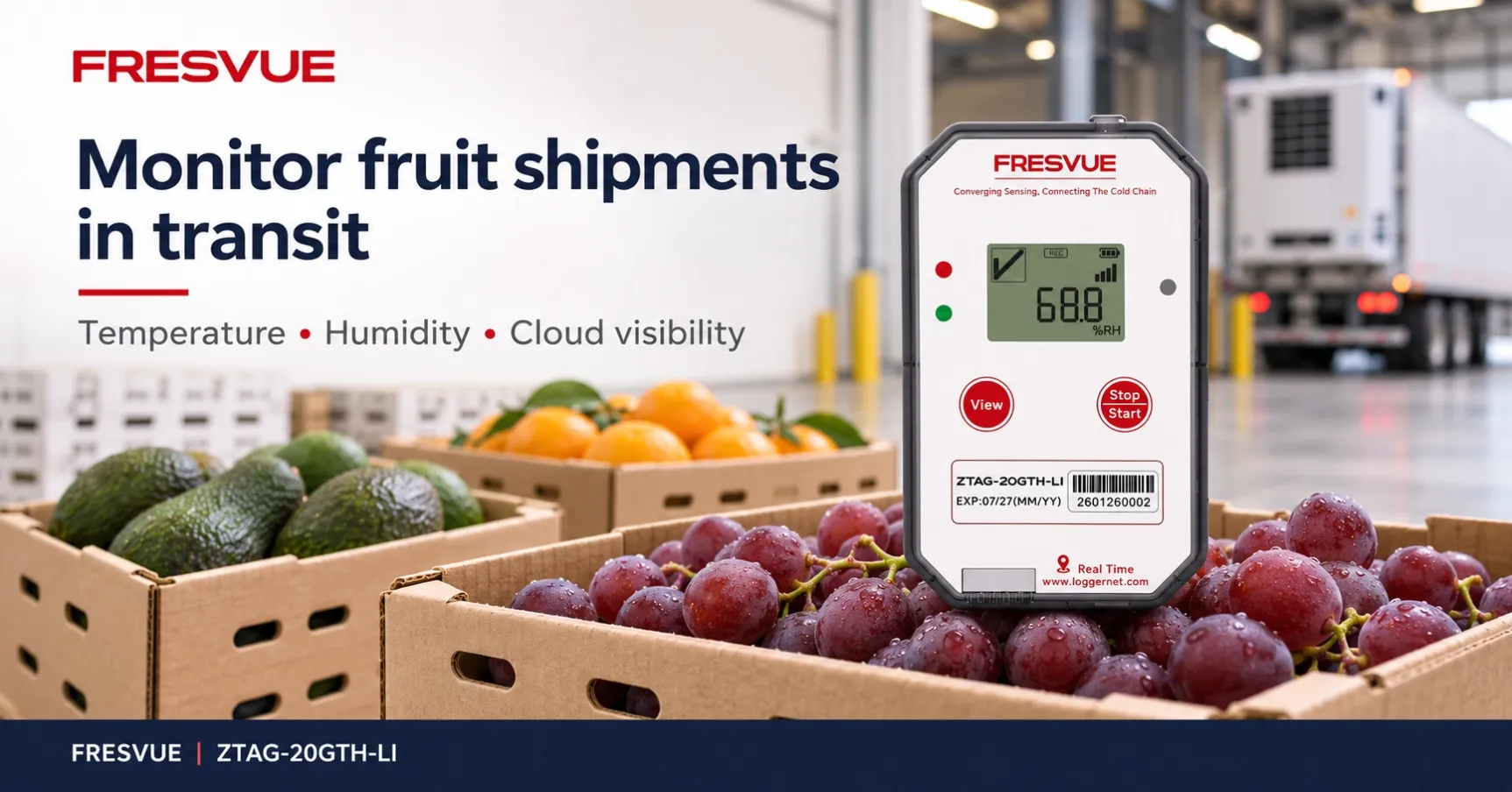
The FRESVUE ZTAG-20GTH-LI Single-Use Real-Time Temperature & Humidity Data Logger travels with the shipment.
Where mobile coverage is available, it uploads readings at the configured reporting interval. Teams can review temperature and humidity data remotely and receive threshold alerts by email or app.
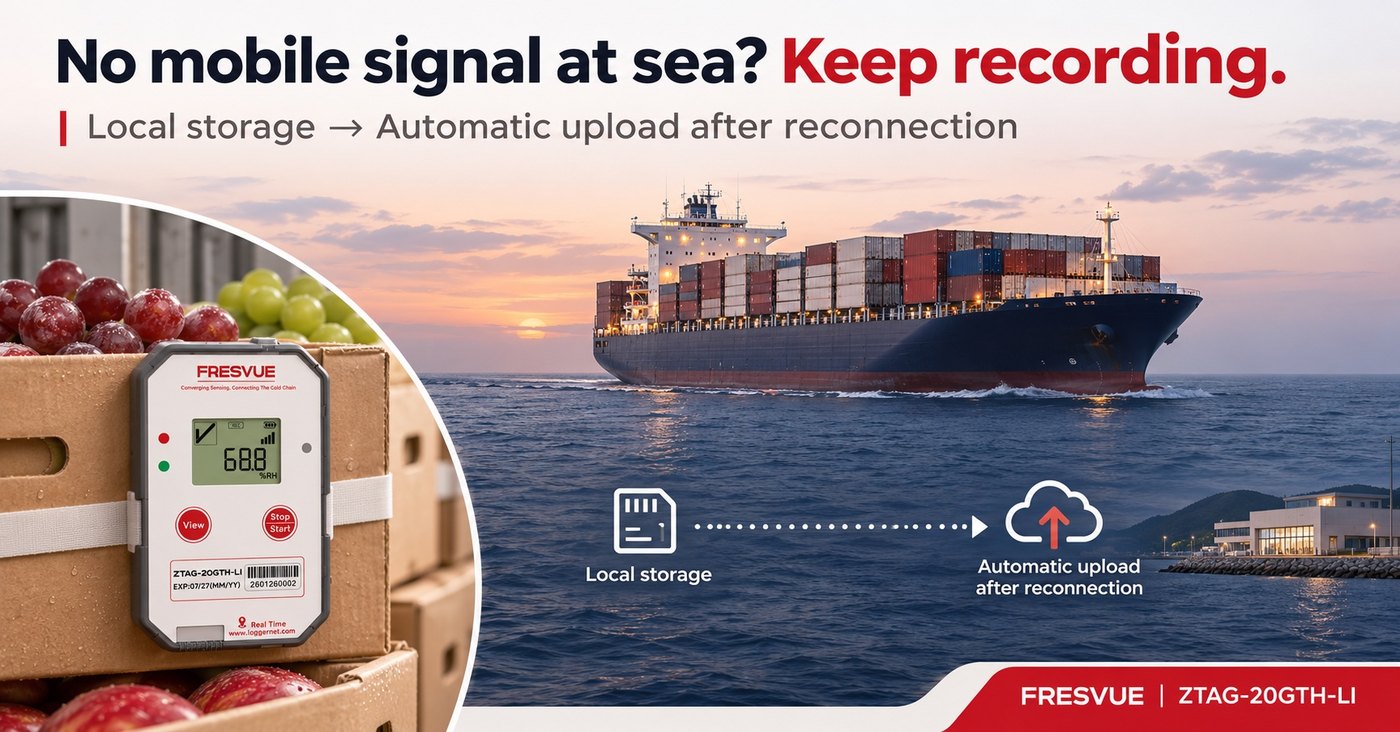
During ocean crossings without mobile coverage, the device continues recording locally. Stored data uploads automatically after connectivity returns. When reviewing the cloud platform, check the latest reporting timestamp to understand how current the displayed readings are.
Prepare Before Loading
Agree on alarm thresholds for the fruit being shipped. Record the container number, logger ID, sensor position and alert contact before sealing the container.
These details help the receiving team connect each alert to the correct shipment and monitoring point—and contact the person responsible for checking it.
Planning a fruit shipment from South America? Contact FRESVUE to discuss ZTAG-20GTH-LI deployment for your route and receiving process.